
By clicking on "Download GTC 400 C software update free of charge" or "Download GTC 600 C software update free of charge", you agree to our .
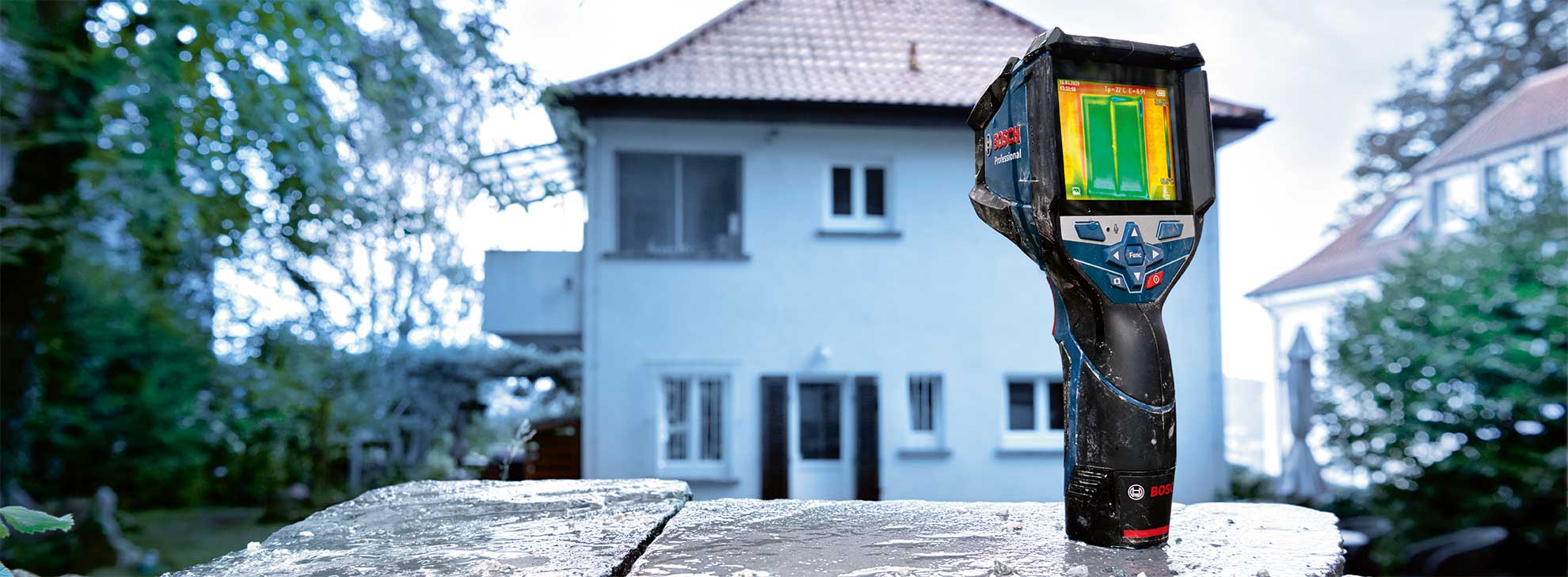
GTC SOFTWARE UPDATE
Update your thermal imaging camera
Download GTC software update free of charge
Please note the following information:
- Click on the download button and save the file on your computer. Use the USB cable from the scope of delivery to connect the GTC to your computer and then switch the device on.
- Copy the update file into the drive folder of the GTC. The GTC can be disconnected from the computer. It should remain switched on.
- The update process starts automatically and takes a few minutes.
- Use a full battery in the device. The battery must not be removed from the tool until the GTC update process is fully complete.
- The GTC can only be updated to a newer software version; you cannot install an older version.

The specified support period for the product ends on 31st December 2028