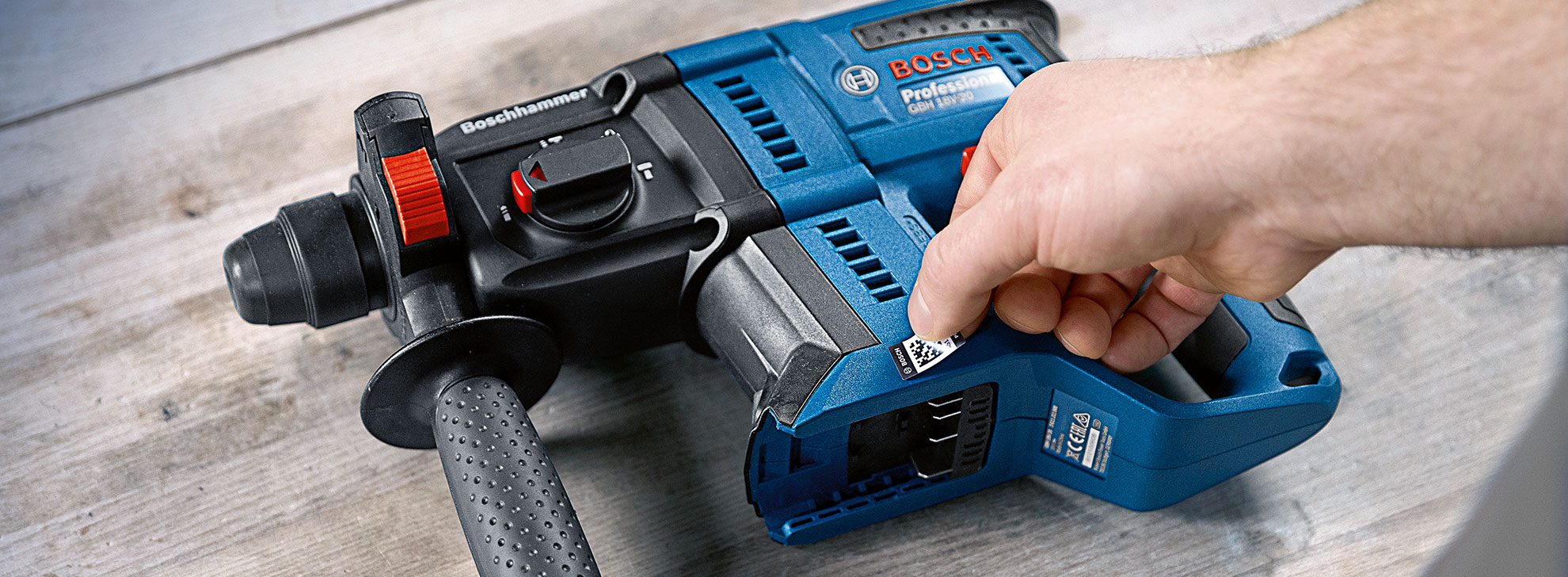
A blue Bosch Professional drill is lying on a wooden surface.

NEVER LOSE TRACK OF YOUR ASSETS AGAIN.

Keep all the information about your assets in one place – the PRO360 app.

TAKE YOUR INVENTORY MANAGEMENT TO THE NEXT LEVEL WITH ID LABELS.

Identify your assets with just one scan.

Simply attach the ID labels to anything you want to keep an eye on – not just your Bosch Professional power assets – and scan them to create a handy digital inventory. You can then assign assets to individuals and locations so you will always know exactly where the assets are.
A black stopwatch symbol with two buttons on top.
Less effort

Save time by avoiding manual documentation.

A black checklist with three checkmarks on a white background.
Clear identification

Your assets are quickly and clearly identified.

Black price tag with the inscription "BRAND" in capital letters.
Cross-inventory

ID labels replace missing type plates.

A black, stylized clock symbol with an arrow pointing right.
Long-lasting

The labels are extremely durable.

PRO360: The digital home for your entire inventory.

PRO360 is a place for everything a tradesperson uses in their daily work. Thanks to ID labels, even assets from other manufacturers or assets without a type plate or serial number can be made clearly identifiable and can therefore be managed in PRO360 over the long term. This ensures consistent and efficient inventory management, regardless of the manufacturer.


A blue Bosch Professional battery nailer with labels and QR codes.

1. Attach the ID label

Attach the ID label to one of the assets you want to link.
Ensure that the surface is clean and smooth.
Wait 24 to 48 hours until the adhesive has fully set.


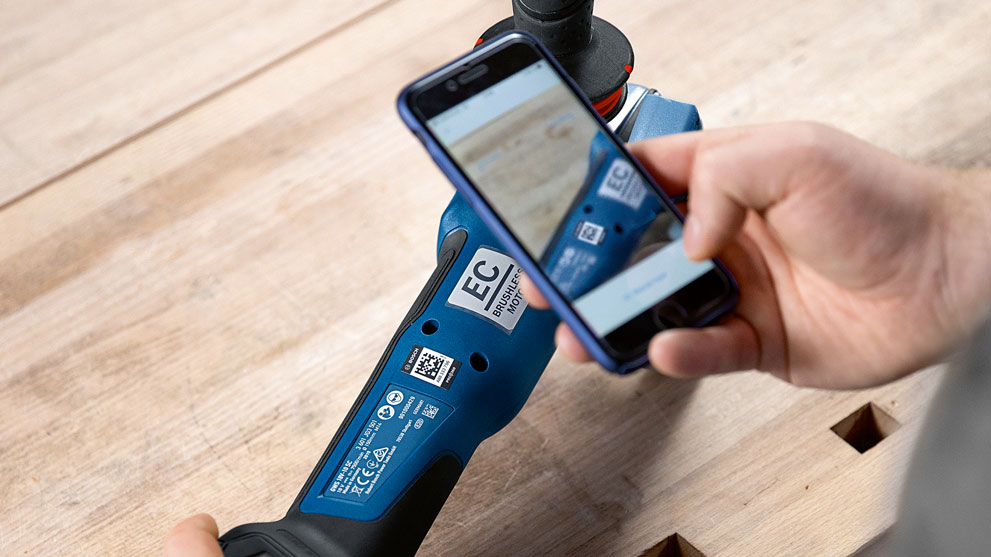
A Bosch Professional tool is scanned with a smartphone.

2. Link in PRO360

Log in to the PRO360 app. Record the tool data using the scan function or manually. Scan the code on the label.

Download free of charge from the Google Play Store*

Download free of charge from the Apple App Store*


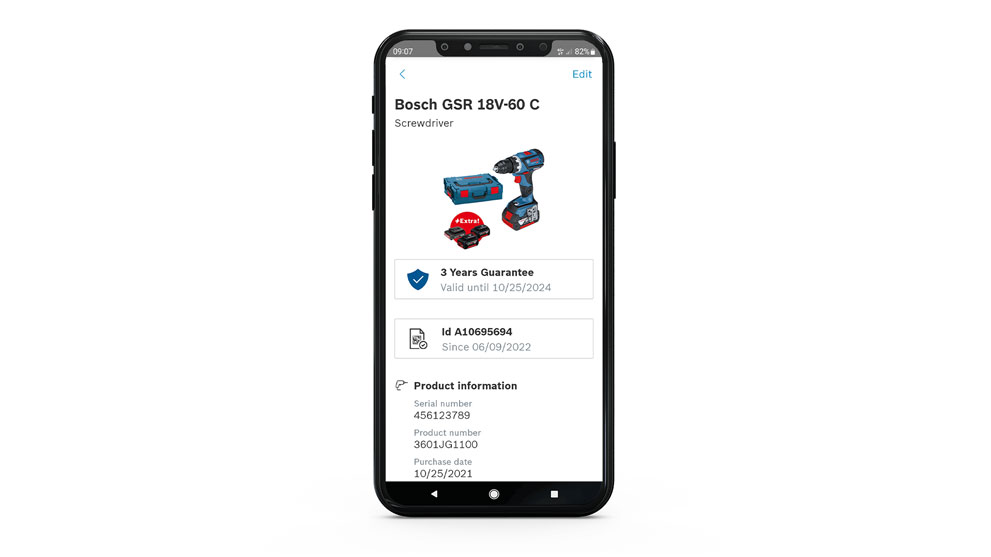
A smartphone displays the Bosch GSR 18V-60 C cordless screwdriver and accessories.

3. Simply identify

Then you can scan the label using the app and directly access further information about your assets, such as the invoice, location or employee responsible for them.

  • Open the PRO360 app
  • Tap the magnifying glass symbol at the top right
  • Select "Scan ID Label"
  • Scan the ID label with your smartphone camera

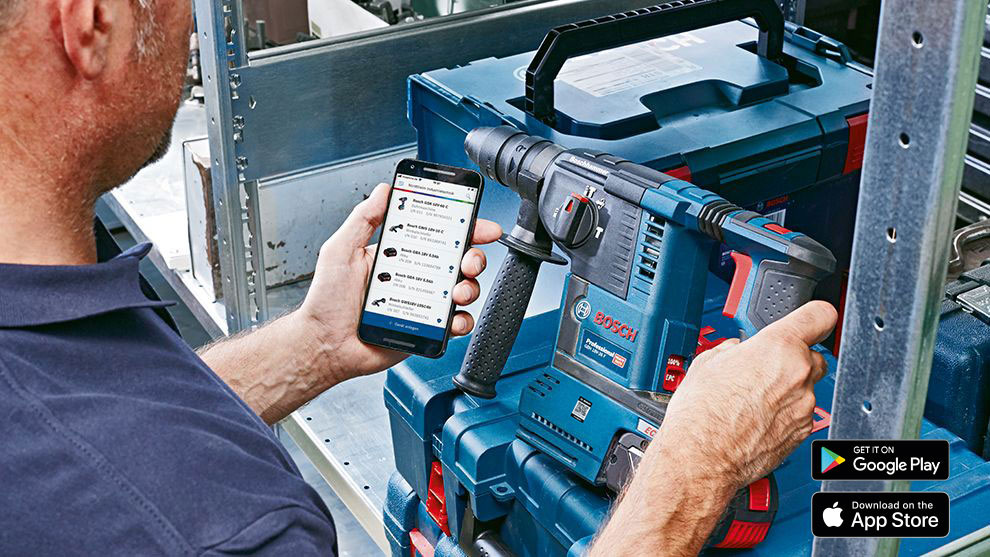
A man uses his smartphone next to a blue Bosch Professional tool.
Want to find out more about PRO360?

PRO360 is your free, convenient and efficient access portal for numerous services from Bosch Professional.

Find out more

*Google Play and the Google Play logo are trademarks of Google LLC.

*Apple and the Apple logo are trademarks of Apple Inc.